Microsoft 365 has become an important platform for business communication, collaboration, document management, and cloud productivity. However, business requirements can change over time. Companies may merge, acquire another organization, separate departments, or decide to consolidate multiple Microsoft 365 environments. In these situations, moving information from one tenant to another becomes necessary.
This process is known as tenant to tenant migration. It involves transferring business data and supported Microsoft 365 workloads from a source tenant to a destination tenant. A successful migration requires proper preparation, user mapping, secure authentication, data transfer, and post-migration verification.
What is Microsoft Tenant to Tenant Migration?
A Microsoft 365 tenant is an independent cloud environment containing an organization's users, Exchange Online mailboxes, OneDrive accounts, SharePoint resources, domains, and other services.
Microsoft tenant to tenant migration means transferring selected or complete data from one Microsoft 365 tenant to another. The migration scope depends on the organization's requirements.
Typical situations that require tenant migration include:
- Mergers and acquisitions
- Company restructuring
- Tenant consolidation
- Business separation
- Domain changes
- New Microsoft 365 environments
- Centralization of IT infrastructure
The main objective is to move essential information while maintaining data accuracy and minimizing disruption.
What Data Can Be Migrated?
The migration scope can include different Microsoft 365 workloads.
Exchange Online Mailboxes
Email is generally one of the most important workloads. Tenant to tenant mailbox migration can transfer emails, attachments, contacts, calendars, tasks, notes, and other supported mailbox content.
Maintaining the original folder structure is important because employees should be able to access their historical communication without confusion after the migration.
OneDrive Files
Users often store business documents, spreadsheets, presentations, and other files in OneDrive. These files may need to be transferred to corresponding accounts in the destination tenant.
SharePoint Data
Organizations using SharePoint may need to move document libraries, sites, and other supported collaboration content during the migration project.
User Accounts
User mapping connects source accounts with their corresponding destination accounts. Accurate mapping is essential for successful data assignment.
Why Office 365 Cross Tenant Migration Requires Planning
Moving information between two independent tenants involves several technical considerations.
Separate User Identities
Each tenant has its own identity system. Source and destination accounts must therefore be properly configured and mapped.
Large Mailbox Volumes
Business mailboxes may contain years of communication and large attachments. Manually transferring this information can take considerable time.
Domain Changes
Organizations may need to move their business domain from the source tenant to the destination environment. Proper scheduling is essential to avoid unnecessary email disruption.
Data Integrity
Migration should preserve important information such as folder hierarchy, attachments, email properties, and timestamps.
Business Continuity
Email and collaboration services are essential for daily operations. Migration planning should focus on reducing downtime and maintaining employee productivity.
MailsDaddy Office 365 Tenant to Tenant Migration Solution
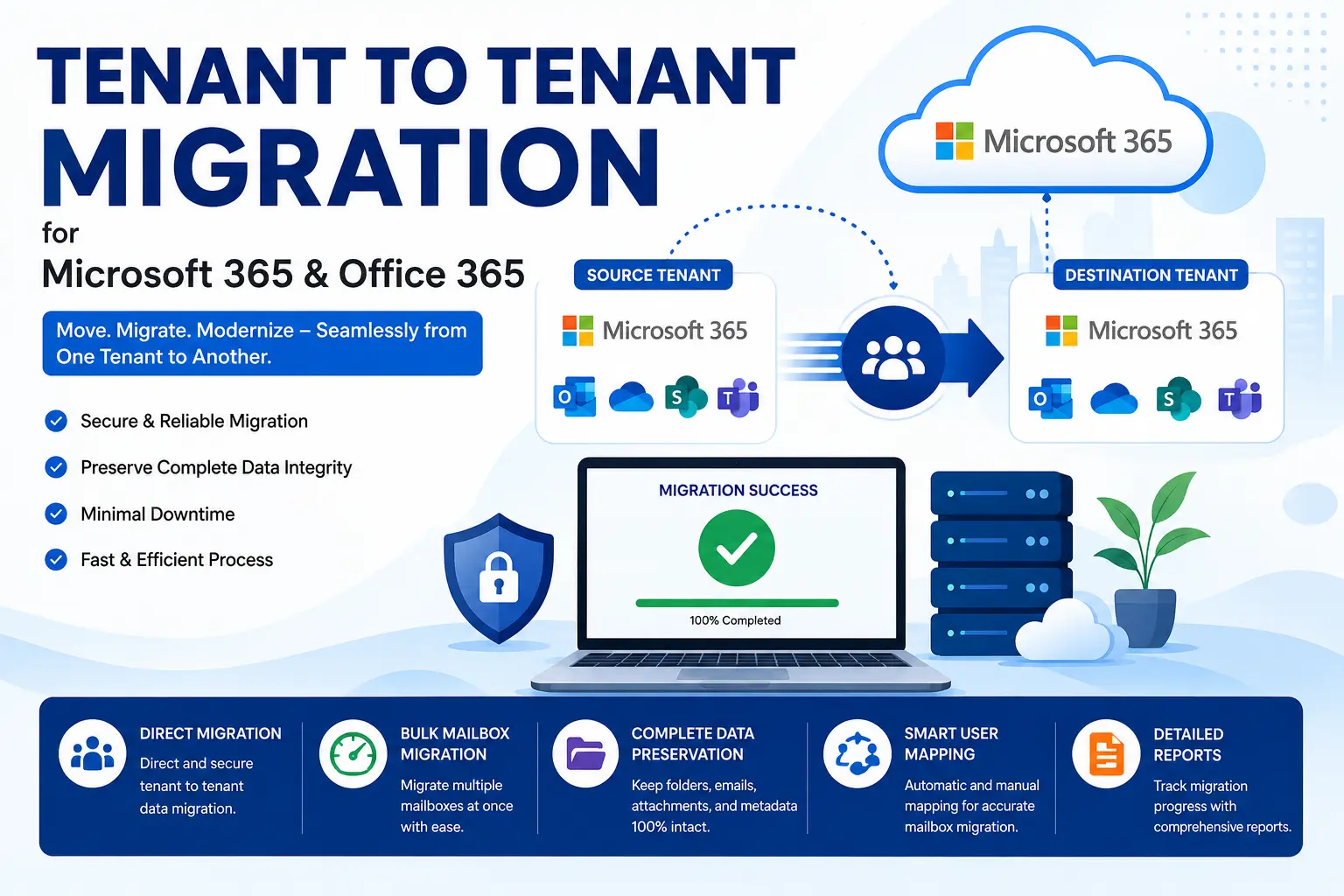
The MailsDaddy Office 365 Tenant to Tenant Migration Solution is designed to simplify complex Microsoft 365 migration projects. It provides an organized way to transfer mailbox data between tenants while reducing the amount of manual administration required.
MailsDaddy Office 365 Tenant to Tenant Migration Solution
Direct Migration Between Tenants
The solution facilitates direct migration between the source and destination environments, reducing the need for intermediate PST-based transfer methods.
Bulk Mailbox Migration
Large organizations can process multiple mailboxes during a single migration project. Bulk processing can help reduce the time required to move users individually.
Complete Mailbox Transfer
The solution is designed to migrate important mailbox components, including emails, attachments, contacts, calendars, tasks, and supported mailbox folders.
Intelligent User Mapping
Accurate user mapping is essential when organizations need to migrate one to another tenant in Microsoft 365. MailsDaddy provides mapping options to help administrators associate source users with their destination accounts.
Selective Migration
Organizations may not always need to transfer every available mailbox item. Selective migration capabilities provide greater control over which users or data are included.
Secure Data Transfer
Business email contains sensitive organizational information. Secure authentication and controlled access help protect data during the migration process.
Migration Reports
Migration reports provide useful information about processing status and help administrators review the outcome of the migration project.
How to Migrate Tenant to Tenant in Office 365
A well-organized migration can be divided into several stages.
Step 1: Assess the Source Tenant
Identify users, mailbox sizes, domains, and workloads that need to be migrated.
Step 2: Prepare the Destination
Create destination accounts and configure the necessary Microsoft 365 permissions.
Step 3: Configure Tenant Access
Establish secure authentication for both source and destination environments.
Step 4: Map Users
Match source mailboxes with their corresponding destination accounts.
Step 5: Select Data
Choose the users and supported data that need to be transferred.
Step 6: Start Migration
Begin the migration and monitor progress using available reporting features.
Step 7: Verify Results
Check destination mailboxes, folders, attachments, calendars, and other migrated information.
This structured approach helps organizations migrate tenant to tenant in Office 365 with better control.
Benefits of an Automated Migration Solution
Using dedicated software for Microsoft 365 cross tenant migration can provide several advantages:
- Reduced manual effort
- Faster mailbox processing
- Bulk migration capabilities
- Accurate user mapping
- Selective migration options
- Secure authentication
- Easier migration monitoring
- Reduced administrative complexity
Automation becomes particularly useful when an organization has a large number of users or substantial mailbox data.
Best Practices for Tenant Migration
Before starting an Office 365 tenant to tenant migration, administrators should create a detailed migration plan.
Important practices include:
- Review both Microsoft 365 environments.
- Identify all required users and workloads.
- Verify administrator permissions.
- Test the process with a small group of users.
- Schedule migration during low-activity periods.
- Maintain backups of critical data.
- Monitor migration reports.
- Verify migrated information after completion.
Testing a small group before the full migration can help identify configuration problems early.
Conclusion
Tenant to tenant migration is an important process for organizations moving between Microsoft 365 environments. Whether the requirement comes from an acquisition, merger, restructuring, or tenant consolidation, careful planning is essential for protecting business information.
The MailsDaddy Office 365 Tenant to Tenant Migration Solution provides a practical approach to Office 365 cross tenant migration with direct migration, bulk mailbox processing, user mapping, selective migration, secure authentication, and detailed reporting capabilities.
By combining a structured migration plan with an automated solution, businesses can migrate one to another tenant in Microsoft 365 more efficiently while reducing manual work and maintaining access to essential business data.





Share this page with your family and friends.